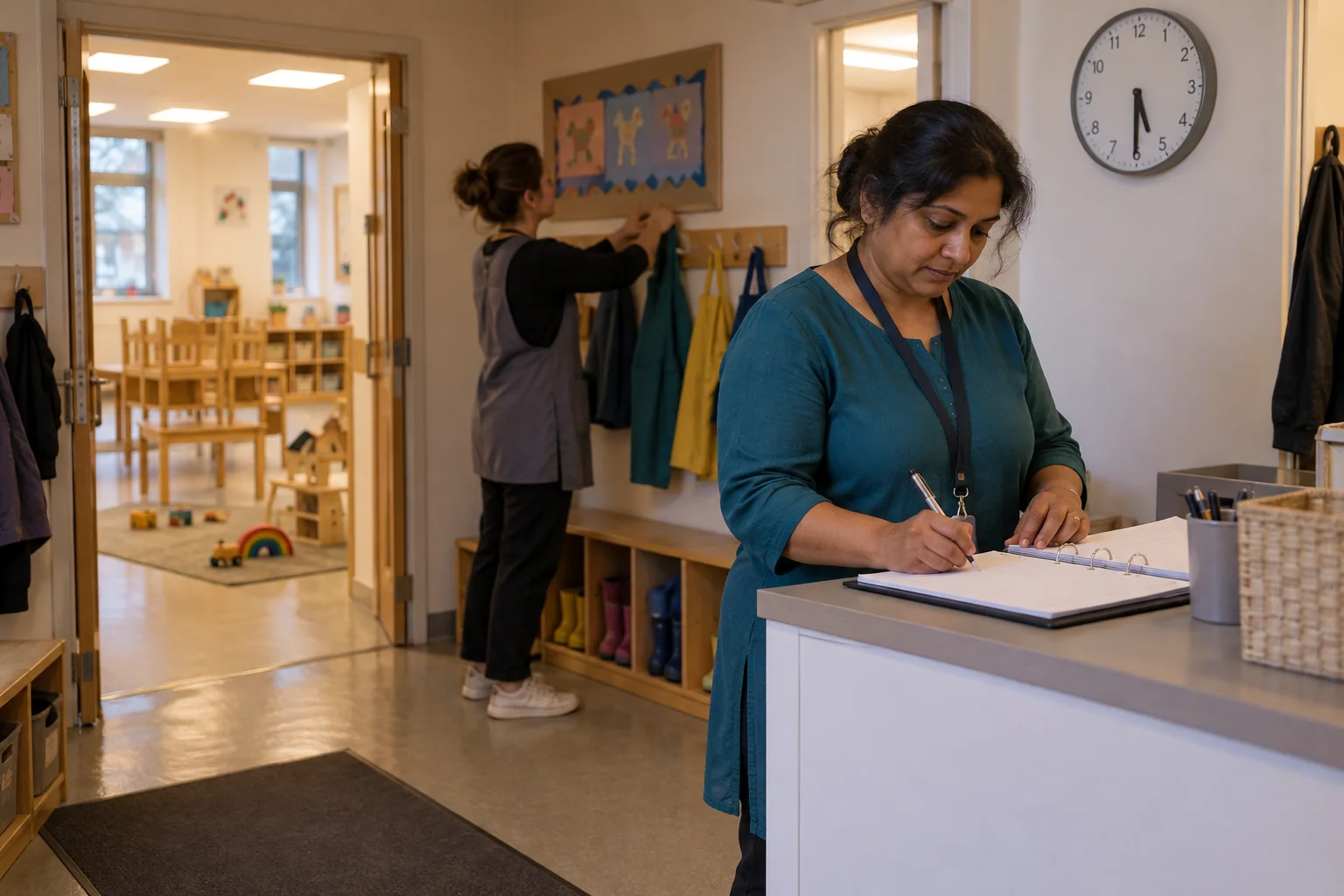

Search for one and most results are nursery management platforms, where messaging sits beside learning journals, registers and invoicing. That can be the right purchase, but it is a different one, and a nursery comparing a full platform with a messaging tool on the same terms will struggle to decide. This guide sets out what to check in either case, whoever makes the product.
What the EYFS asks of a nursery’s messages
The EYFS statutory framework for group and school-based providers, in force from September 2026, does not name an app. It sets duties that any app the nursery uses has to support. Paragraph 3.95: “Providers must maintain records, obtain and share relevant and accurate information (with parents and/or carers, other professionals working with the child, the police, social services and Ofsted or their CMA, as appropriate).” Providers “must enable a regular two-way flow of information with parents and/or carers”. Paragraph 3.96 adds that “Confidential information and records about staff and children must be held securely and only accessible and available to those who have a right or professional need to see them”, and paragraph 3.97 that parents and carers “must be given access to all records about their child, provided that no relevant exemptions apply to their disclosure under the Data Protection Act.”
Paragraph 3.6 lists what safeguarding policies must include, and one item is “how mobile phones, cameras and other electronic devices with imaging and sharing capabilities are used in the setting”. Messaging with parents is where that rule meets the day: the photograph of a child at lunch, the text to a parent from the key person’s own phone, the parents’ group for the baby room, where every parent sees every other parent’s number. Childminders have the same requirement in paragraph 3.7 of their own framework.
A messaging app is also a processor of children’s and families’ personal data, so the nursery’s UK GDPR duties apply to it as they do to the learning journal; our guide to GDPR for nurseries covers the full set.
Three products that share one name
Results for this search mix three kinds of software, and it helps to decide which you are buying before comparing prices:
- Nursery management platforms. Registers, funding claims, invoicing, staff ratios and a parent app, usually with messaging inside it. Messaging is one feature among many, and it is often good enough.
- Learning journals and daily diaries. Observations against the EYFS, photographs of a child’s day, nappies, sleep and meals shared with parents, replacing the paper daily diary. Mostly one way, from setting to home, with comments; strong on parent engagement.
- Messaging tools. Two-way conversations between the setting and a family, and between staff, including staff who are not on the management platform, such as bank staff, students or a cook.
Most childcare technology now offers parent communication features of some kind, so the question is rarely whether a product can send updates, but whether it carries the two-way conversations safely and saves staff admin time rather than adding to it. A nursery that already pays for a management platform should start by testing the messaging it already has against the checks below. If it passes, there is nothing to buy. If it fails on privacy, on who can see replies, or on the record, that is the case for adding a messaging tool, or for moving the conversations the platform does not carry, which in most settings are the ones happening on staff members’ own phones.
Check one: privacy between families, and photographs
Parents talk to a nursery about the most personal things in their lives: a separation, a diagnosis, a court order, a worry about another child. An app has to keep each family’s conversation private from every other family. Ask:
- Can one family see another’s messages or phone number? A parents’ group for one nursery room in a consumer messaging app shows every member’s number to every other member. A secure nursery app should give each family its own private conversation with the setting, and use groups only for messages meant for everyone.
- Who is a contact for a child? Can the nursery control exactly which adults receive messages about a child, and change that the same day when a court order or a safeguarding plan says so?
- Where do photographs go? A photograph of a child taken on the setting’s device and sent through the app should not land in a member of staff’s personal camera roll, which may back up to a personal cloud account. Check what the app does with photographs on the sending device, and whether parents can save or forward them.
- Consent. Record what each family has agreed to about photographs, and check the app can respect it. The ICO’s page on taking photos in schools explains when data protection law applies to images; our guide to a nursery social media policy covers the policy side.
Then test the staff side: can staff message parents without giving out a personal number, and without using a personal phone at all where the nursery’s phone policy says so? Our guide to a personal mobile phone policy for staff sets out what that policy has to cover.
Check two: the record, complaints and subject access
Messages with parents are often the first record of something the nursery must record properly: an accident reported at collection, a medicine question, a concern about a child, a complaint. Under paragraph 3.101 of the EYFS, a nursery must have a written complaints procedure, investigate written complaints about how it meets the EYFS requirements, tell the complainant the outcome within 28 days, and keep a written record of complaints and their outcome that Ofsted can ask to see; a complaint that starts as a text message still starts the clock in practice, as our guide to the nursery complaints procedure explains. Ask any supplier:
- Can the nursery search and export a whole conversation, with who said what and when? A subject access request must normally be answered within one month, and the ICO’s right of access guidance makes clear that this includes information held in emails and messages.
- Who sets retention? The nursery’s retention schedule, not the app’s default, should decide how long messages are kept. A free tier that deletes history after a few months has decided the nursery’s retention for it.
- Can managers see conversations where the nursery’s policy says they should, and is that access recorded?
- What happens when a member of staff leaves? Their access should end the same day, and their conversations with families should stay with the nursery.
- What happens if the nursery stops paying? Ask before signing how the record is returned, in what format, and how long the supplier keeps it.
Decide one rule alongside the app: anything that belongs in the accident, medicines, complaints or safeguarding record is written there, and the message stays as the evidence of how it was first reported. Our guide to nursery record keeping requirements lists those records.

Check three: the contract, the DPIA and the real cost
No app is GDPR compliant on its own: compliance belongs to the nursery as controller, and our guide to choosing a GDPR compliant messaging app explains what that means in practice. A supplier that holds the nursery’s messages is a processor, and Article 28 of the UK GDPR requires a written contract with it covering its instructions, security, sub-processors and deletion or return at the end. The nursery stays the controller and stays accountable. Ask where messages and photographs are stored and processed, and whether there are international transfers: some messaging and classroom apps store data outside the UK, which can be lawful with the right safeguards but has to be checked and written into the nursery’s own records.
Do a data protection impact assessment before rolling a tool out. The ICO’s guidance on when to do a DPIA lists indicators of high risk that include “data concerning vulnerable data subjects”, and says “in most cases, a combination of two of these factors indicates the need for a DPIA”. Messages and photographs about young children usually meet it.
Then the cost, counted for a full year:
- How is it priced? Per child, per staff member, per setting, per text message or as one flat fee? A per-child price grows with the nursery; a flat price does not.
- What is bundled? Messaging inside a management platform may cost nothing extra, but check whether it is included at your tier.
- What does it need? Some tools need every parent to install an app; some need the nursery to have particular office software. Ask before the demo, not after.
- What will it not replace? A messaging tool beside a management platform is two subscriptions. That can be right, but count it.
Finally, test it with real people: two practitioners, the least confident parent you know and the cook. The app that is quickest at five past six in the evening is the one that gets used.
Where ComplyChat fits, and where it does not
Start with what it is not. ComplyChat is a messaging service, not a nursery management system or a learning journal: registers, observations, funding claims and invoices stay where they are, and it does not connect directly to your management software. If your platform’s messaging passes the checks above, keep it.
It is built for the conversations that do not fit there, or that currently happen on staff members’ own phones. On paid plans, families the nursery invites join a private line by texted invitation, and every parent or carer who reaches it gets their own private thread, so families never see each other or each other’s messages, and their phone number stays private from other members. Parents can use it in a browser or install the app for iPhone, iPad or Android, and need no Microsoft account. Staff channels carry the working day, with tasks and acknowledgements, and a mobile number verified by SMS is the identity, so bank staff and students can be included without a work email account. Everyone added to a channel is told it is on the record and can object or leave. A private line can follow a CSV contact list exported from your own system, checked daily, weekly or only on demand.
On a connected paid plan, conversations are kept in the nursery’s own Microsoft 365 subscription, under the retention schedules it already runs. Say it plainly: the paid archive needs the nursery’s own Microsoft 365, and many small settings do not have one. Core messages are stored and processed in the UK, and the supporting services that may process data elsewhere are named on the service providers and locations page. ComplyChat is working towards Cyber Essentials and ISO 27001 certification and holds neither yet; our Why us page says so.
Prices are flat per tier, not per child. Foundation: £199/month or £1,990/year, 2 channels. Governance: £599/month or £5,990/year, 10 channels. Enterprise: from £1,500/month or from £18,000/year, unlimited channels. Yearly plans are invoiced in advance. All prices exclude VAT where applicable. No per-person or per-message charges. Setup included. For a single small setting that is a real cost against a nursery app priced per child, and it is worth comparing honestly. Free is for personal conversations: one private group channel, direct messages and up to 25 people, three calendar months of recent history and no Microsoft 365 archive or Replay. Guests, such as parents, belong to organisational plans. If your organisation needs to meet its retention schedules, that needs a paid plan and your own connected Microsoft 365 subscription.
Whatever you choose, take one question to the next staff meeting: when a parent messages their child’s key person tonight, whose phone does the message reach, and could the nursery find it if the parent asked for it next spring?
Questions people ask
How do nurseries communicate with parents?
Nurseries communicate with parents at drop-off and collection, through a parent app or learning journal, by email and by text or messaging, and the EYFS requires the flow to run both ways: providers “must enable a regular two-way flow of information with parents and/or carers”, and “if requested, providers should incorporate parents’ and/or carers’ comments into children’s records”.
What does the EYFS say about communication with parents?
The EYFS statutory framework requires providers to “maintain records, obtain and share relevant and accurate information” with parents and carers and other professionals, to enable “a regular two-way flow of information with parents and/or carers”, and to give parents and carers “access to all records about their child, provided that no relevant exemptions apply to their disclosure under the Data Protection Act.”
What apps do nurseries use to communicate with parents?
Nurseries mostly use the parent app inside a nursery management platform or learning journal, a separate messaging tool, or a consumer messaging app on staff members’ phones. Whichever it is, the nursery is the controller of the personal data in it, and Article 28 of the UK GDPR requires a written contract with any supplier that processes that data on its behalf.
Can nursery staff use their own phones to message parents?
The EYFS leaves the rule to the setting but requires it to be written down: safeguarding policies must include “how mobile phones, cameras and other electronic devices with imaging and sharing capabilities are used in the setting”. Many settings bar personal phones in rooms with children, which is one reason to message parents through a tool the nursery controls.
Official guidance and your next step
The primary source is the EYFS statutory framework (from September 2026; paragraphs 3.6, 3.95 to 3.97 and 3.101 for the group and school-based framework), with the childminder framework for childminders. For data protection, read the ICO’s guidance on the right of access and on DPIAs, and Article 28 of the UK GDPR on processor contracts. The Data (Use and Access) Act 2025 has amended UK GDPR and the Data Protection Act 2018 in stages, so check the date on any ICO page you rely on.
This is a buying guide for early years providers in England, not legal advice, and not an assessment of any particular product.
Then do one thing this week: ask each room leader where the last three messages from parents arrived, and on whose phone. That is your current messaging system, and the starting point for choosing the next one.
We build ComplyChat for the conversations organisations need to keep, and in early years those are often the messages between a key person and a family. We wrote this guide so a nursery can judge any app, including ours, against what the EYFS actually asks – and so what ComplyChat does not do is clear before anyone asks.
Sources
Every document this guide quotes or links to, in the order it first cites them.
- EYFS statutory framework for group and school-based providers gov.uk
- Taking photos in schools ico.org.uk
- Right of access guidance ico.org.uk
- Article 28 of the UK GDPR legislation.gov.uk
- International transfers ico.org.uk
- When to do a DPIA ico.org.uk